
Choose the trade size that should trigger a notification instead of receiving every feed update.
Real-time trade notifications
Polymarket Whale Alerts
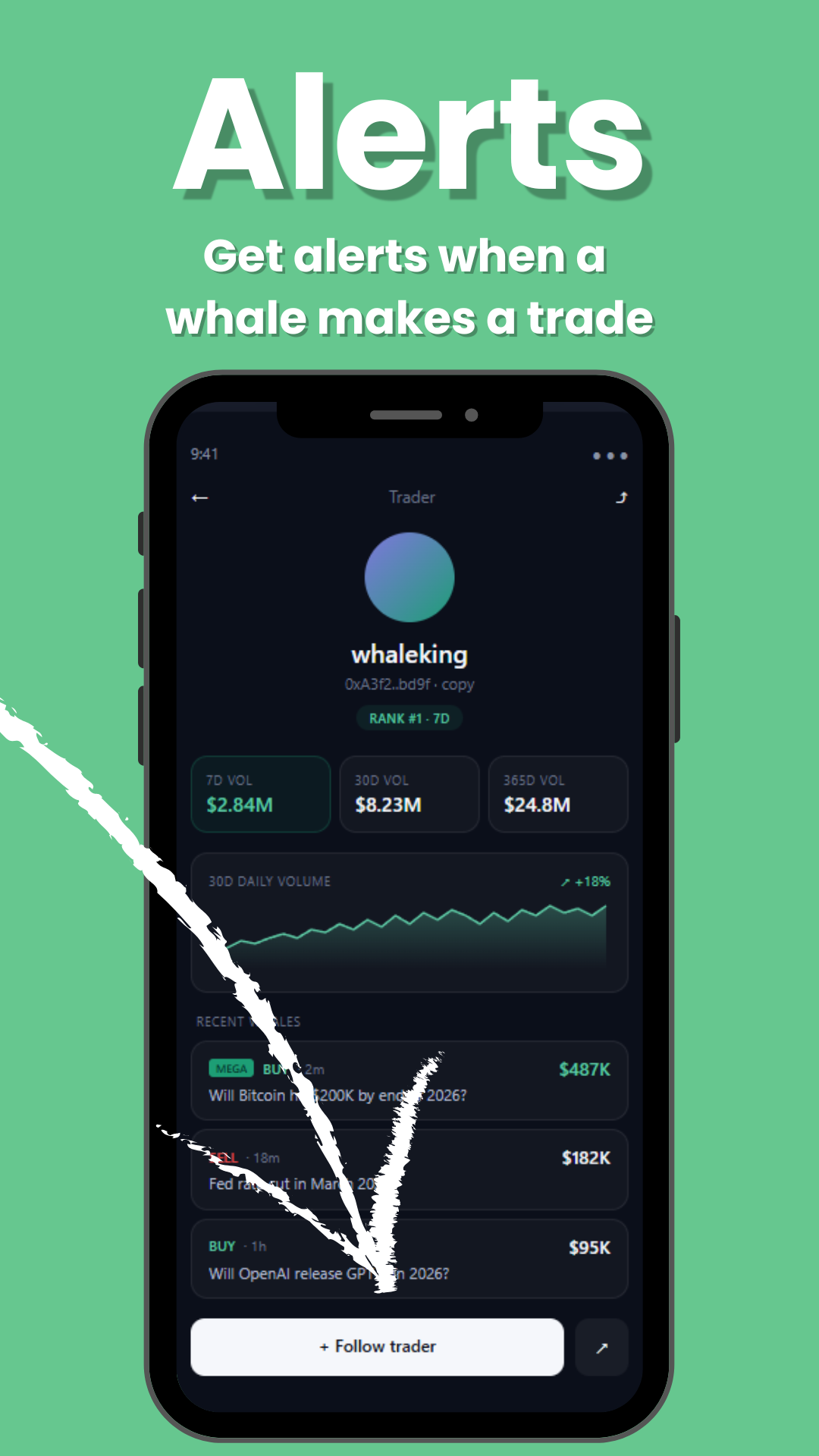
Get notified when large public Polymarket trades hit the tape. Set your own threshold, follow the wallets that matter, and jump from each alert into live market context.
What they are
Whale alerts for large Polymarket trades, not generic price pings.
A Polymarket whale alert should tell you when meaningful public flow happens: who traded, which market moved, whether the trade was a buy or sell, and how large the position was. Polywhale connects alerts to the same live whale feed, leaderboard, trader profiles, and trade detail pages used across the site.
How it works
From public trade to notification.
- 1Watch the live feed
Polywhale monitors public Polymarket whale trades and normalizes size, side, market, price, and wallet context.
- 2Match your filters
The alert engine checks your minimum size, mega-only setting, following-only mode, category filters, and quiet hours.
- 3Send the alert
Matching alerts are delivered through the saved browser or app token and link back into the relevant Polywhale page.
Controls
Tune the alert stream before it becomes noise.
Filter for the biggest trades when you only want high-conviction whale flow.
Limit alerts to public wallets you follow from profiles and leaderboards.
Suppress matching alerts overnight so monitoring does not become noise.
Comparison
Why Polywhale is different from channel-first alert tools.
Competitor features change over time, so this comparison stays focused on the product workflow Polywhale controls: browser/app delivery, personal filters, and links into market and wallet context.
FeaturePolywhaleOther alert tools
Primary deliveryBrowser push and Android alertsOften Telegram, Discord, or social-feed based
Trade contextAlert links back to live feed, market, trader, and trade detail pagesUsually a message feed or single external alert stream
Personal filtersMinimum size, mega-only mode, following-only mode, and quiet hoursVaries by tool and usually depends on channel rules
SEO-visible productPublic dashboard plus a crawlable alert workflowMostly standalone tracker or channel pages
Delivery
Built for people who want alerts outside a chat feed.
Telegram and Discord streams can be useful, but they mix every alert into a channel. Polywhale alerts are personal: the notification is attached to your browser or Android session, your threshold, and your followed-wallet list.
Web push for desktop and mobile browsers that support notifications.Android delivery through the same backend alert subscription system.Read-only monitoring. No wallet connection is required to watch public trades.
FAQ
Polymarket whale alerts questions.
What are Polymarket whale alerts?
Polymarket whale alerts are notifications for large public Polymarket trades. Polywhale watches the live feed, identifies whale-sized trades, and sends alerts when a trade matches your settings.
Are Polywhale Polymarket whale alerts free?
The public Polywhale web alert setup is currently available without a paid plan. You can activate browser push alerts and choose a minimum trade size from the alerts page.
Can I customize the minimum trade size?
Yes. Polywhale lets you choose a minimum trade size and can also limit notifications to mega whale trades when you only want the largest activity.
Can I get alerts for wallets I follow?
Yes. Polywhale supports following-only alerts, so notifications can be limited to public wallets you have added to your following list.
Do I need Telegram to receive Polymarket whale alerts?
No. Polywhale focuses on browser push and app-style notifications, so alerts can reach your browser or Android device without joining a Telegram channel.
Are Polymarket whale alerts trading advice?
No. Polywhale is a read-only monitoring tool for public activity. Whale alerts show market flow and wallet activity, but they are not financial advice or trade recommendations.
How do I turn on Polymarket whale alerts?
Open the Polywhale alerts setup page, allow browser notifications, choose your minimum trade size, and activate system alerts. You can send a test alert afterward.
Start
Open alerts setup Turn on whale alerts in Polywhale.
Activate browser notifications, pick your threshold, send a test alert, and keep the live feed open when you want deeper context.